
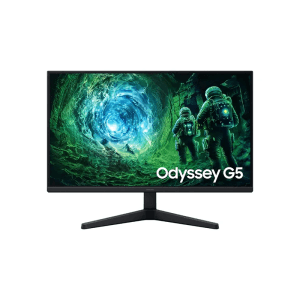
Samsung ODYSSEY G5 27-inch QHD 200Hz Gaming Monitor
৳ 32,000
Showing: (13 Items)
Filters
Price Range
Screen Size
Resolution
Panel Type
Refresh Rate
Features
Brands
Showing: (13 Items)
Samsung ODYSSEY G5 27-inch QHD 200Hz Gaming Monitor
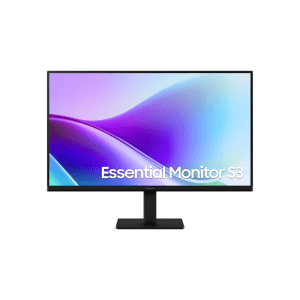
Samsung Essential S3 S27F320GAM 27-inch FHD Monitor
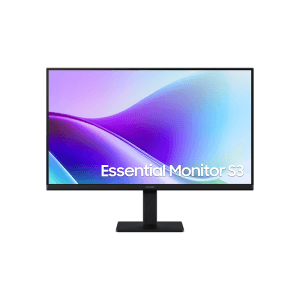
Samsung Essential S3 LS24F320GACXXK 27-inch FHD Professional Monitor
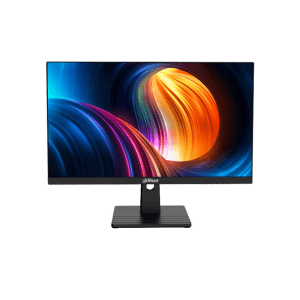
Dahua LM27-B221B 27-inch FHD 144Hz Monitor
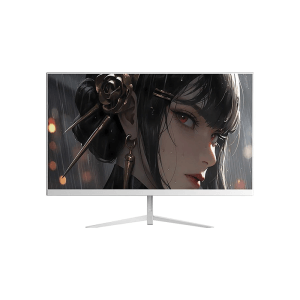
Dahua DHI-LM27-A221YW 27-inch FHD 144Hz Monitor
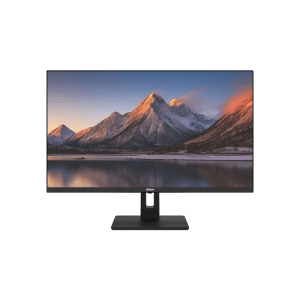
Dahua DHI-LM27-C301B 27-inch 2K QHD 100Hz Monitor
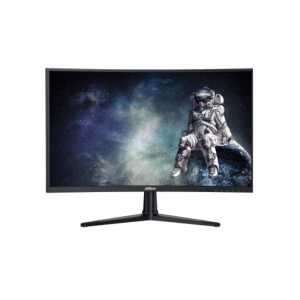
Dahua DHI-LM27-E240C 27-inch FHD 240Hz Monitor
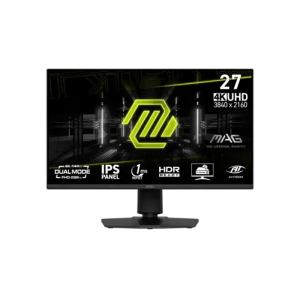
MSI Mag 275UPD E14 27-inch 288Hz UHD Gaming Monitor
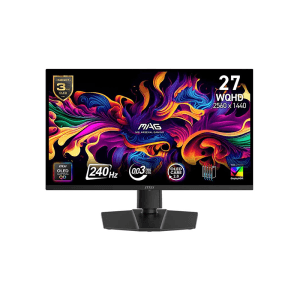
MSI Mag 273QP QD-OLED X24 27-inch Gaming Monitor
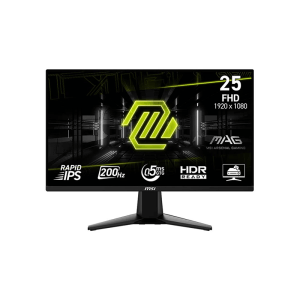
MSI Mag 255F E20 25-inch FHD Gaming Monitor
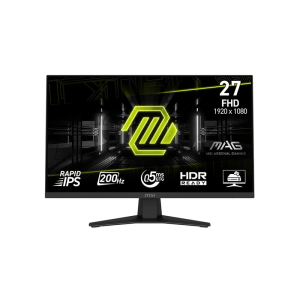
MSI Mag 274F 27-inch FHD Gaming Monitor
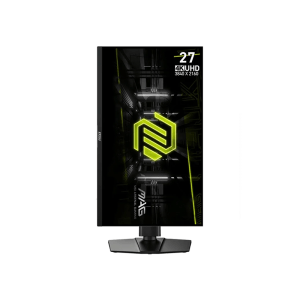
MSI Mag 274UPF E2 27-inch 4k 160hz UHD Gaming Monitor
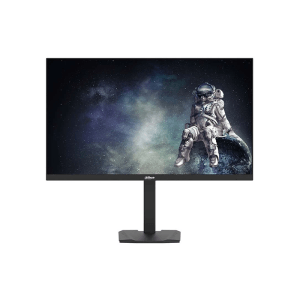
Dahua DHI-LM27-EM331A 27-inch 2K QHD 200Hz Monitor
A 27-inch monitor gives more space on your desk without asking for more desk. Office work, study, gaming, editing, watching a movie at night. All of it feels easier on a bigger screen. Multiple windows open at once, no squinting.
27 Inch Monitor Price in Bangladesh depends on a few things. Resolution. Panel type. Refresh rate. Brand name. Some extras too. A simple monitor for daily use costs less. Something built for gaming or heavy editing costs more.
Prices usually change with specifications and intended use. Entry-level monitors focus on basic tasks. Mid-range options offer better resolution or smoother performance. Premium models usually add features for gaming, editing, or professional work.
|
Monitor Category |
Approximate Price Range |
Best For |
|
Entry-Level 27-Inch Monitor |
Around ৳15,000–৳20,000 |
Office work, study, browsing |
|
Full HD 27-Inch Monitor |
Around ৳18,000–৳25,000 |
Daily work and entertainment |
|
2K/QHD 27-Inch Monitor |
Around ৳25,000–৳40,000 |
Design, multitasking, gaming |
|
High Refresh Rate Gaming Monitor |
Around ৳25,000–৳50,000+ |
Casual and competitive gaming |
|
Premium 27-Inch Monitor |
Around ৳40,000–৳70,000+ |
Editing and advanced gaming |
Note: These are general price ranges. Actual prices can change based on brand, specifications, stock, and market conditions.
A monitor may look similar from outside, but its specifications can be quite different. A few points are worth checking before choosing one.
Full HD offers enough detail for regular browsing, study, office work, and simple entertainment. QHD or 2K gives a sharper image and more working space. It can feel more comfortable on a 27-inch screen.
4K UHD provides even more detail. It makes more sense for photo editing, video work, and users who want a very sharp display.
IPS: Good colours and wide viewing angles. A practical choice for work and creative tasks.
VA: Better contrast and deeper blacks. It can be useful for movies and gaming.
TN: Fast response and usually aimed at gaming-focused users.
OLED: Excellent contrast and strong picture quality. Usually found in more premium monitors.
60Hz is enough for office work, study, and general use. 75Hz to 100Hz feels smoother for regular scrolling and daily tasks.
For gaming, 120Hz to 180Hz can make movement look much smoother. Competitive players may prefer 240Hz or higher.
Response time matters more during fast movement. Lower response time can help reduce visible blur in games. Gamers usually pay more attention to this specification.
AMD FreeSync and NVIDIA G-SYNC help match screen refresh with graphics output. This can reduce screen tearing and stuttering during gaming.
Check available ports before buying. Common options include:
USB-C can be especially useful for laptop users. Some monitors can also charge a connected laptop through USB-C.
A good stand can make daily use more comfortable. Height adjustment, tilt, and swivel are useful for longer work sessions. VESA support also helps when using a monitor arm.
Flat monitors are common for regular work. Curved models can feel more immersive during gaming and entertainment.
Different users need different monitor features. A student may not need a high refresh rate. A gamer may look for exactly that.
|
Monitor Type |
Typical Specifications |
Ideal User |
|
Standard Monitor |
Full HD, 60–100Hz |
Students and office users |
|
Productivity Monitor |
IPS, QHD, ergonomic stand |
Professionals and multitaskers |
|
Gaming Monitor |
High refresh rate, low response time |
Gamers |
|
Curved Monitor |
Curved panel, immersive viewing |
Gaming and entertainment |
|
Colour-Focused Monitor |
IPS/OLED, wider colour coverage |
Designers and creators |
|
UHD resolution, detailed display |
Editors and creative professionals |
|
|
USB-C Monitor |
USB-C display and charging |
Laptop and hybrid workers |
For students: Focus on a price, comfortable display and basic ports. Full HD can be enough for study and browsing.
For office work: IPS panels, higher resolution, and an adjustable stand can be perfect for any office work.
For programmers: Programmers need a sharp display and QHD resolution, so that they can have more room for code and multiple windows.
For gamers: For any gamers just 27 inch monitor isn’t enough they also need high refresh rate, response time, adaptive sync, and resolution matter most.
For graphic designers: Check for high colour accuracy, appropriate panel and extensive colour gamut.
For video editors: If you're a video editor, improved resolution, colour and connectivity might make editing more comfortable.
For home entertainment: If you're using it for home entertainment, some people find contrast, resolution, viewing angles and built-in speakers to be helpful.
Resolution makes a noticeable difference on a 27-inch screen. Full HD keeps things simple and affordable. QHD gives more detail and workspace without going as high as 4K.
4K provides the sharpest image among these three. It is more useful for detailed creative work than basic office tasks.
|
Resolution |
Main Advantage |
Recommended For |
|
Full HD |
Affordable and easy to run |
Basic work, study, browsing |
|
QHD/2K |
Sharper image and more workspace |
Productivity, gaming, design |
|
4K UHD |
Very high image detail |
Editing, design, premium use |
There are several popular Brands provide 27-inch monitors in BD. Among other brands ASUS, Acer, Dell, HP, Lenovo, LG, Samsung, MSI, AOC, ViewSonic and Gigabyte are standout. All these brands have 27-inch monitors that you can buy in Bangladesh.
They have 27-inch monitors for different types of users.
You should not just pick one brand. Think about which one can be best for you. This is because one 27-inch monitor from a brand may be good for working in an office but another 27-inch monitor from the brand may be better, for playing games.
So it is better to look at what each 27-inch monitor can do and choose the one that's best for what you need to do with your 27-inch monitor.
Choosing one becomes easier when you follow a simple order.
There are a couple things that may make a difference once you've bought your monitor. Look at the warranty and dead-pixel policy first. Check if you're receiving an official or unofficial product as well.
Check for included cables and available ports. If you are planning to install later, you might want to get VESA Support. Another thing to look at is the height of the stand.
There are also variations in power requirements, stock availability and models to take into account. Sometimes, the specifications of a monitor can vary according to the specific model number or market version.
Finding 27 Inch Monitor Price in Bangladesh is only one part of choosing a monitor. You also need to make sure that you are getting what you can for that price.
Apple Gadgets has 27-inch monitors available from various brands and quality. You can compare models based on resolution, panel, refresh rate, connectivity, and other features. Warranty information and product details will also help before making a decision.
For some users, an easy-to-use monitor for office use is enough. Others require QHD resolution or a quicker gaming display. It is often better to select based on actual use, rather than solely on cost.
Yes, a 27-inch monitor is good for office work. It can give you room to have multiple documents and spreadsheets open at the same time. This is really helpful when you are working on a lot of things at once. You can have your browser and other windows open too.
Full HD is fine for things like studying, browsing the internet and watching videos. If you want the text to be really sharp and you want more space to work then you should consider QHD. QHD is a better option for these things.
Not always. For people who like to play games or watch movies a curved 27-inch monitor can be really cool. It makes you feel like you are right in the game or movie. For office work a flat 27-inch monitor might be better. This is because most people just do typing or use spreadsheets. Other things like how much space you have, on your desk and what you like are also important when choosing between a curved 27-inch monitor and a flat one.